




A morning research digest
New papers read overnight, summarized by morning.
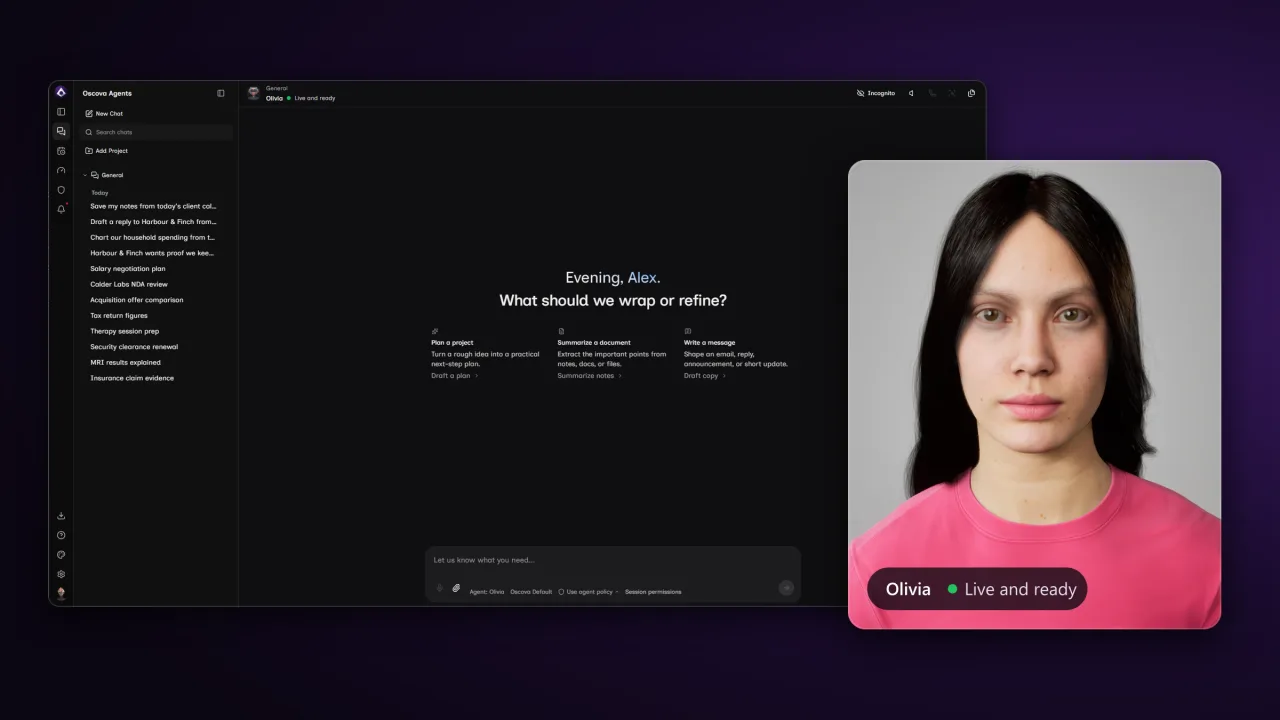
Agents run as durable services on your own machine: they keep working while you sleep, put a face in the room, and a network capture shows nothing leaving.
Block the network and agents keep working on local models. The Egress Audit lists every moment data ever left, and the Session Inspector shows a run stayed local.
Whisper listens and Kokoro speaks, both running offline. Cloud speech is an opt-in provider, never the default.
Agent tasks run overnight: research, a morning digest, a watcher. The work costs electricity, not metered tokens.
Install once, pick a model, start talking, or hand the work to scheduled agents.
The oscova global tool installs the app and its agents. On Windows, add
the Oscova Avatar Engine with oscova avatar install.
Local by default, cloud by choice. Pin it so today's model is tomorrow's model.
Chat in the moment, or schedule agent tasks overnight and wake up to results.
What the runtime does out of the box, from local language models and encrypted chats to the face it puts on screen.
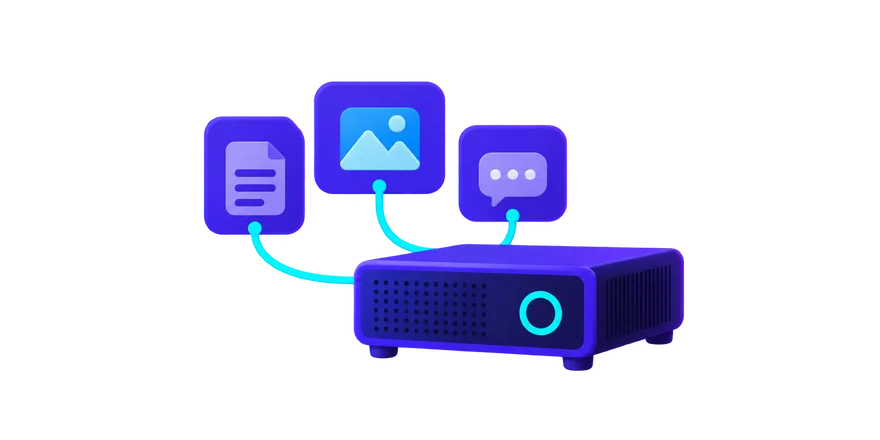
Run local large language models on your own hardware, built lean so small models do real work. Cloud stays opt-in.
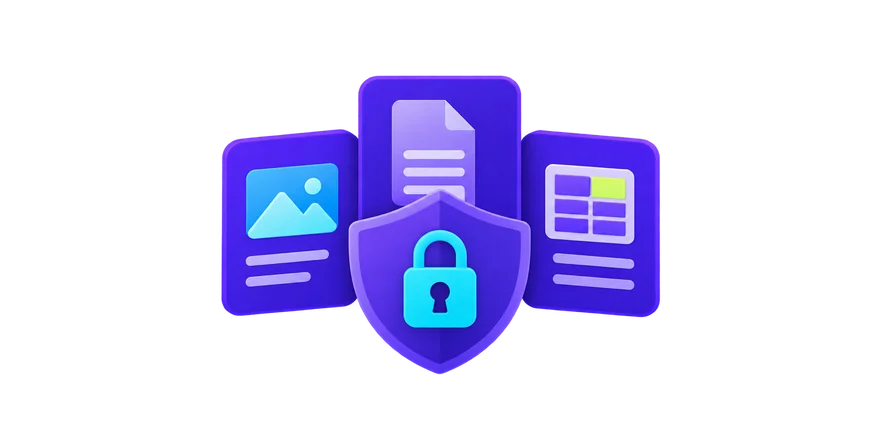
One toggle keeps runs offline. Every agent's chats, tool calls and task runs are encrypted under your Vault Password. Definitions, user settings, memory and search indexes are encrypted too.
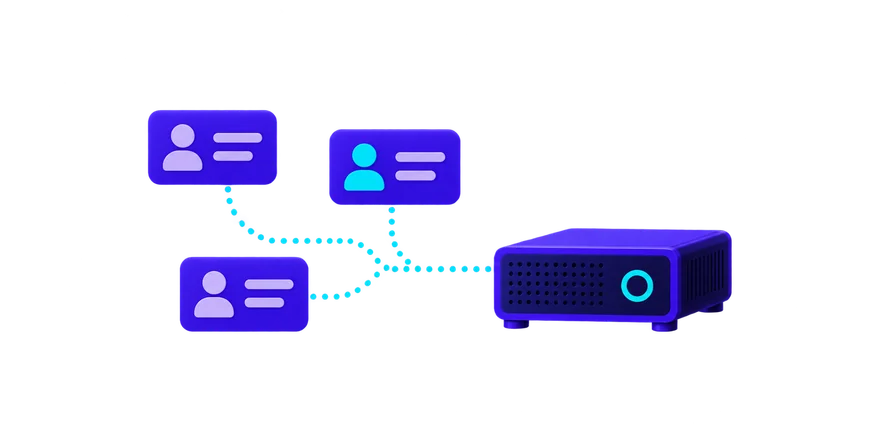
Each person gets their own identity, tasks, and conversations. Any browser on your network can connect.
The Oscova Avatar Engine, a free Windows app, renders a realistic 3D avatar on your own screen, with lip sync and subtitles.
Add capabilities with MCP tool servers, skills, and NuGet plugins an admin approves first.
Bind agents to Discord or Telegram bots and reach the same assistant from anywhere.
Chats are plain files in your own folder, not rows in a database. One passphrase-protected backup moves the whole environment to a new machine.
Agents carry their own instructions, tasks, and run history you can inspect. Services, not prompts in a chat box.
Not customer stories: agent tasks you can set up yourself, running on your own hardware while you get on with your day.
New papers read overnight, summarized by morning.
Overnight mail read and sorted, a short brief waiting in your notifications.
Notes and documents summarized by an agent into encrypted files you unlock with your Vault Password.
Each person's day, drafted before they wake.
Point an agent at your notes, papers, and files. It reads, summarizes, and drafts on your machine, with a local model if you want one. Nothing is uploaded to us, because there is no us in the middle.
Every agent's chats, tool calls, task runs and memory are encrypted under your Vault Password.
Incognito for the question you do not want kept at all. Never written, never remembered.
The Egress Audit lists every call that left the machine. Private means checked, not promised.
From first install to writing your own plugins: the user guide and developer guide cover every screen, concept, and extension point.
Create agents with their own instructions, tools, skills, memory, and access, then share them.
Tools are the actions agents can call. Skills are packages of instructions they load when needed.
Extend the runtime with NuGet plugin packages that run only after an admin enables them.
Bind agents to Discord and Telegram, add MCP tool servers, and connect Google or Microsoft accounts.
Accounts, roles, and sign-in for the household, plus control over which tools each agent may use.
Build your own toolsets, skills, and plugins in C# on the same runtime the app uses.
This is not our first assistant. It is roughly our seventh, built over nearly two decades. Read the story
Straight answers on proof, confidentiality, hardware, cost, and how it was built. Everything else is in the docs.
By default, nothing. Block the network and it keeps working on local models. When you do allow a cloud model or an Internet tool, the Egress Audit records each call with the agent, provider, and tool involved, and the Session Inspector shows the run. The proof is behavioral, not a checkbox.
That constraint shaped the architecture. The system prompt stays lean, tools and skills are discovered just-in-time instead of dumped into context, and long sessions compact automatically. Small models do real work on hardware you may already own; cloud providers remain an opt-in choice.
Conversations are encrypted files under your own user folder, one transcript per chat. You can back them up or delete them with a file manager. Oscova opens their content after you unlock your Vault Password. An administrator can export the environment as a passphrase-protected backup. Start a chat as Incognito and it is never written to disk at all.
It was designed for that. Nothing leaves the machine unless you allow it, conversations are encrypted at rest under your own key, there is no vendor account, and there is no telemetry. A clinic, a legal practice, a finance team, or a research lab under NDA gets the same runtime as a household. We describe the behavior, not a certification, so check it against your own policy.
The runtime and the two built-in avatars are free. No subscription, nothing to buy to get started. Premium avatar options come later.
Yes. Give an agent your papers, notes, and files and it reads, summarizes, and drafts on your machine. Every agent's chats, tool calls, task runs and memory are encrypted under your Vault Password. Pick a local model and nothing leaves at all. Private here means you can check it: the Egress Audit lists every call that went out.
No. Oscova Agents is built in C#, a language we know deeply. Human judgment guides the work. We read the code, refine it and review it ourselves. We have been building assistants for close to two decades, and this is roughly the seventh.
PowerShell · Windows x64
irm https://oscova.ai/install.ps1 | iexTerminal · macOS Intel or Apple Silicon
curl -fsSL https://oscova.ai/install.sh | bashTerminal · Linux x64/glibc
curl -fsSL https://oscova.ai/install.sh | bashAutomatic .NET setup currently supports Ubuntu 24.04.
If .NET 10 is needed, the installer will offer to install it first.
Once installed, Oscova starts. Next time, run oscova start.
Let your coding agent install it. Copy the prompt and paste it into an agent that can run commands.


